
Table of Contents
In a single document, if you use headings, these headings will be listed in the Table of Contents in the right sidebar, as shown below.
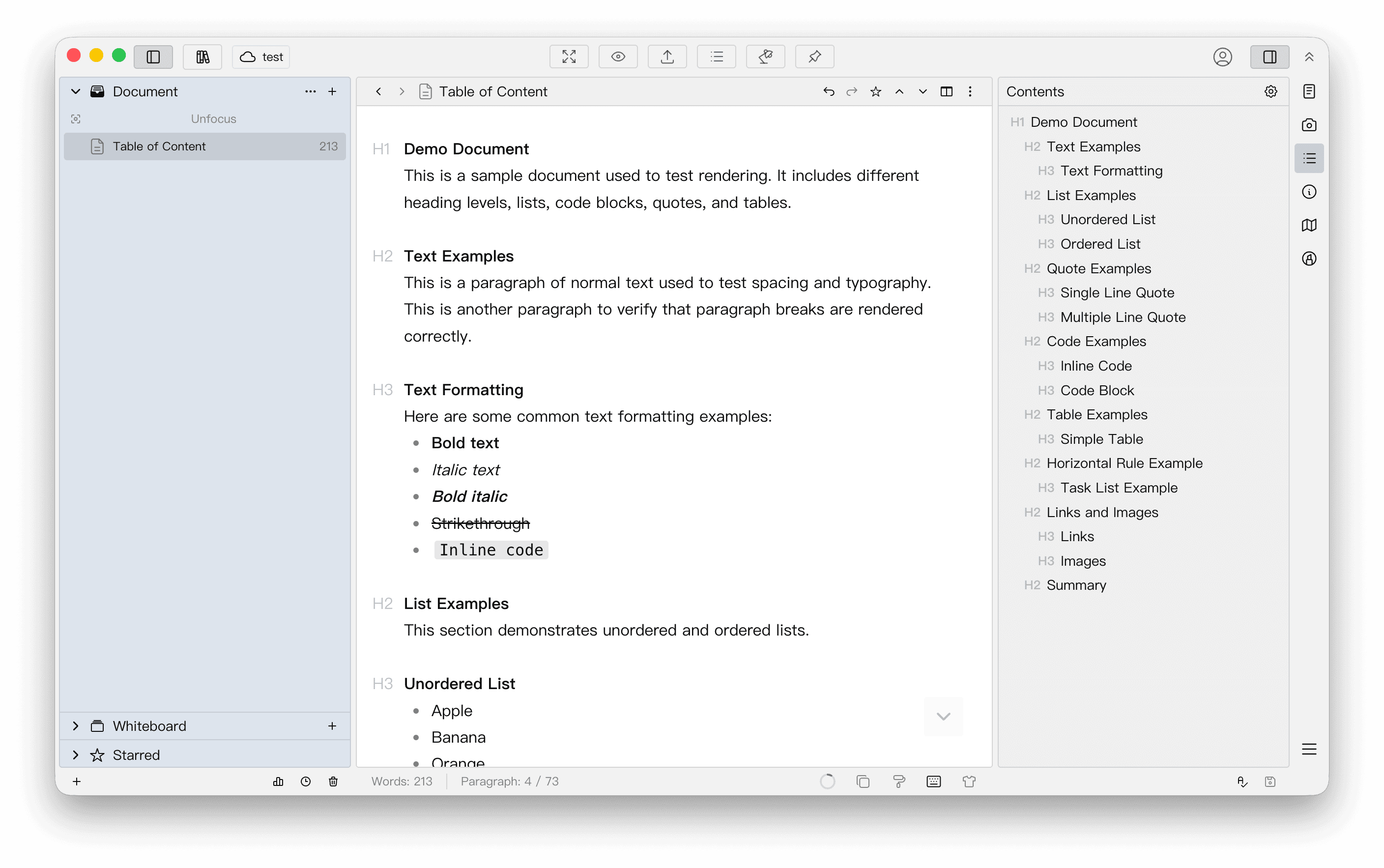
Click an item in the table of contents on the right, and the editor content will scroll to the corresponding position. This feature can be especially useful if your document is long.
For more operations, refer to the demo video below.