
Manuscript Fee
WonderPen estimates your manuscript fee from the current length of the draft. For example, 2,500 words at $40 per thousand words gives an estimate of 2,500 ÷ 1,000 × $40 = $100. Cutting words from the draft reduces the estimate.
Set a Rate
Right-click a document in the directory tree and choose Manuscript Fee. You can also open the Information sidebar panel and click the settings button next to Fee.
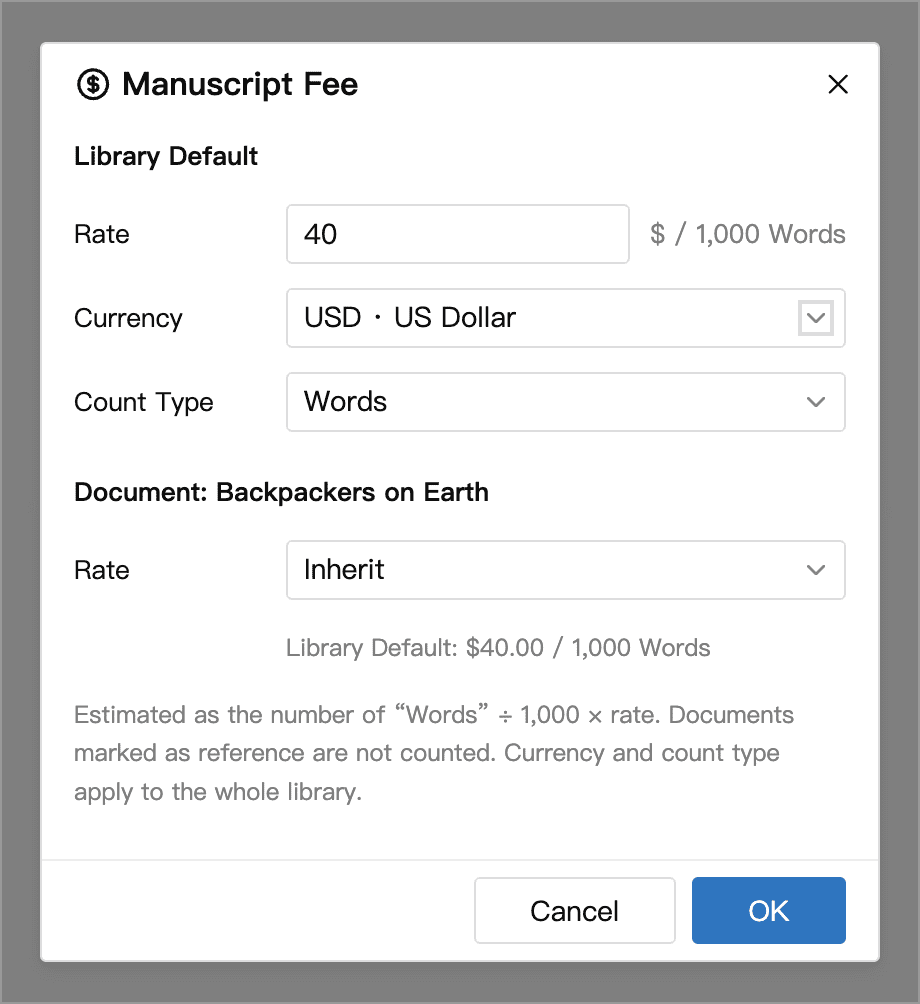
Under Library Default, set the rate, currency, and count type. All documents in the Library use the same currency and count type. If the estimate differs from what you expect based on the editor status bar, check the count type in both places.
Choose how to price the selected document, then save your settings.
| Option | When to use it |
|---|---|
| Inherit | Use one rate for the chapters in a part. WonderPen uses the nearest ancestor with an explicit rate, falling back to the Library default. |
| Custom | Set a different rate for a part or a particular commission. Descendants that inherit from it use this rate too. |
| No Fee | Exclude an author's note or another unpaid section. Reference documents, including descendants that inherit the reference flag, are automatically excluded. |
Check a Document and Its Descendants
Fee in the editor status bar shows the current document's own estimate. Hover over the amount to see the rate, its source, and the count type. If the document has children, the popup lists the current document, its descendants, and the total separately. In a top-and-bottom editor split, click the amount to open the popup.
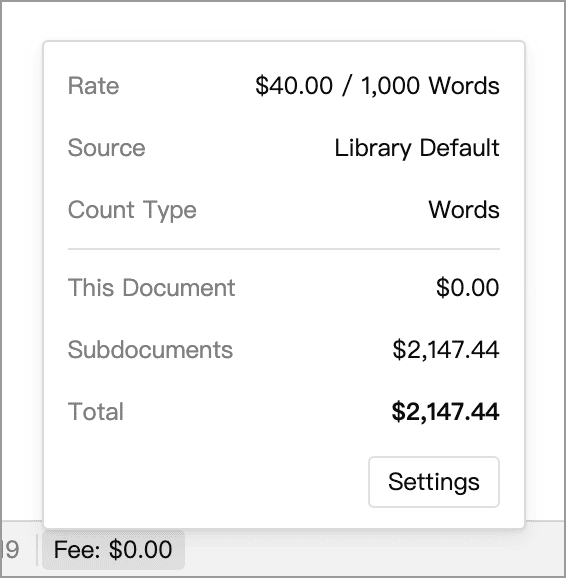
For example, a 2,500-word chapter at $40 per thousand words earns an estimated $100. A 1,000-word bonus scene under that chapter at $20 per thousand adds $20. When you open the parent chapter, the status bar shows $100 and the popup shows a total of $120.
Show Manuscript Fee is off by default in the status bar's word count menu. Saving a positive rate turns it on automatically. You can still check fees in the Information panel when the status bar amount is hidden. To compare chapters side by side, use the fee column in Outline View.